Managing the Question Bank
Managing the Question Bank
The Question Bank is a powerful feature that allows you to collect all the questions and related answers that can be inserted into one or more tests.
This feature can be accessed within any course. If not available, you can add and configure module permissions as for any other course feature (see reference guide)
Export Questions from the Question Bank
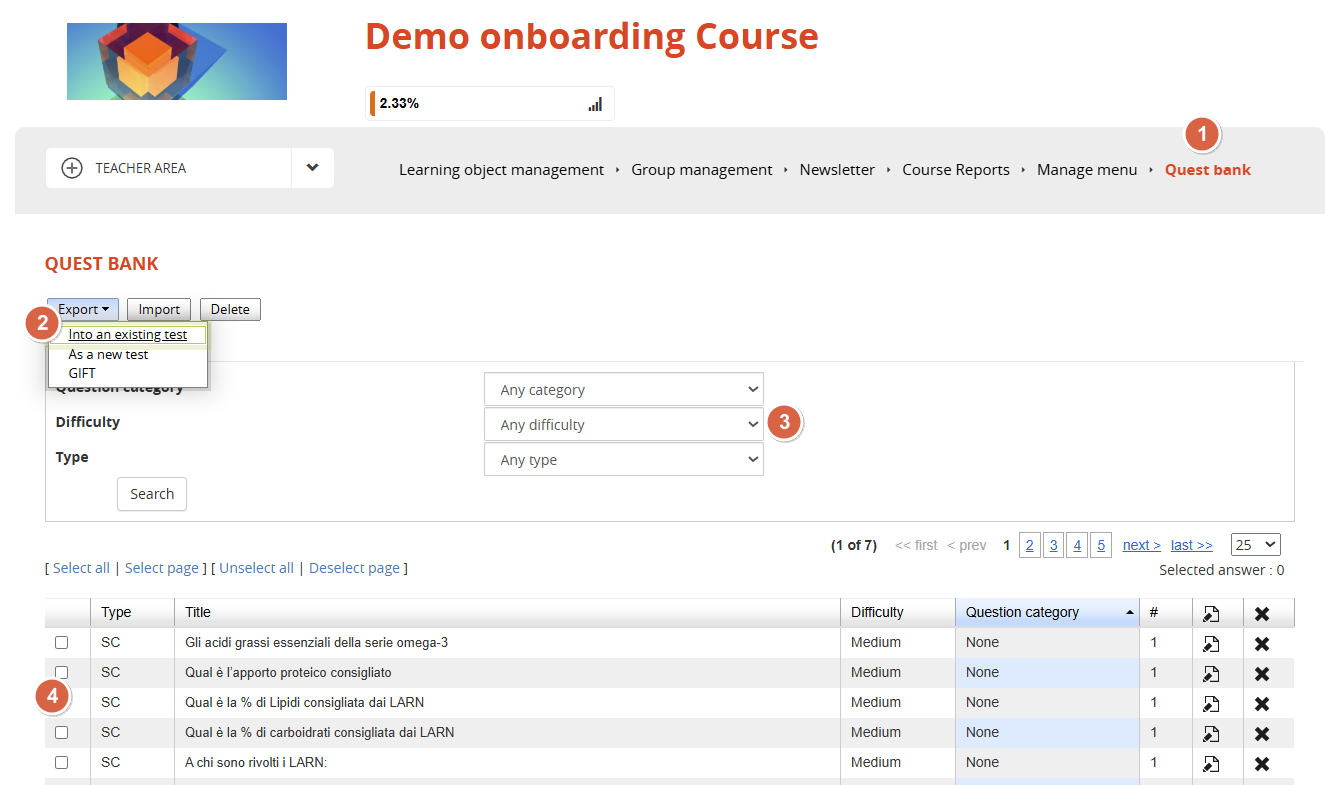
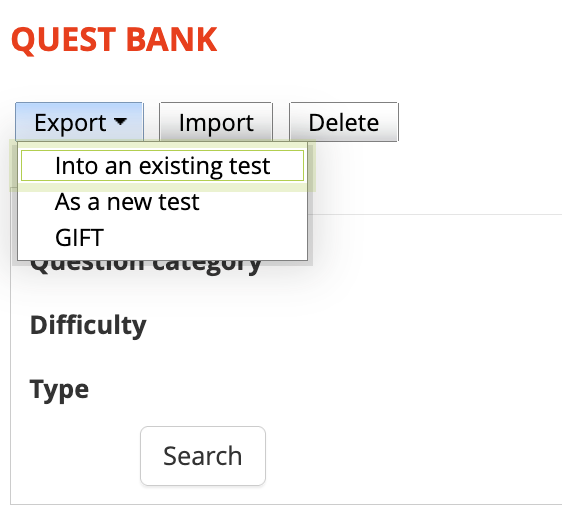
From the "Question Bank" section, you can export specific questions and answers so you can insert them:
- into an existing test within the course
- into a new test that will be automatically created after export
- into a GIFT file that can be used for insertion into other tests in other courses.
Selecting questions to export
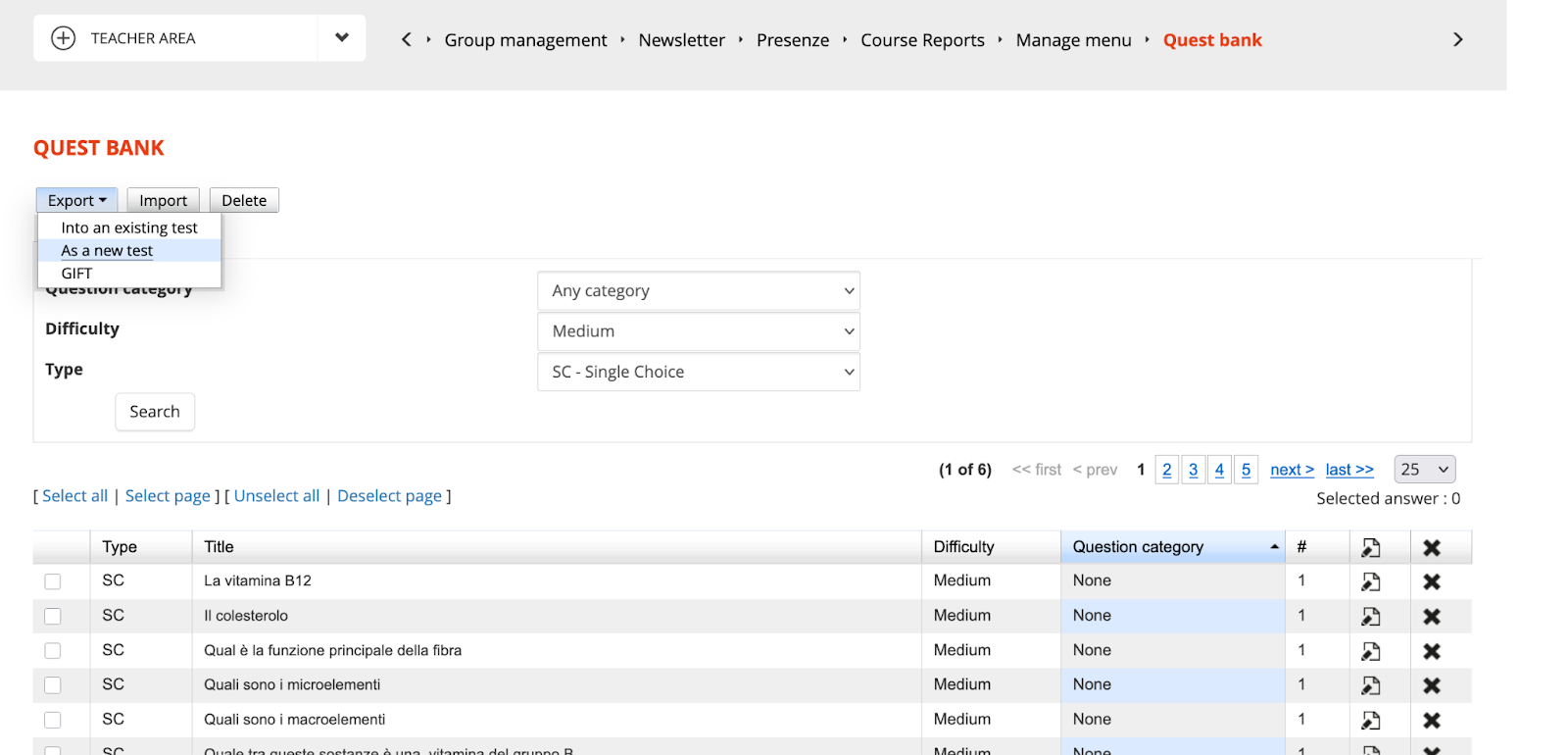
Use the "Search" field to choose and select the questions to export.
This search can be done by Category and/or Difficulty and/or Type.

Once you've set up your search, click Search, and we'll only see questions that match the filters.
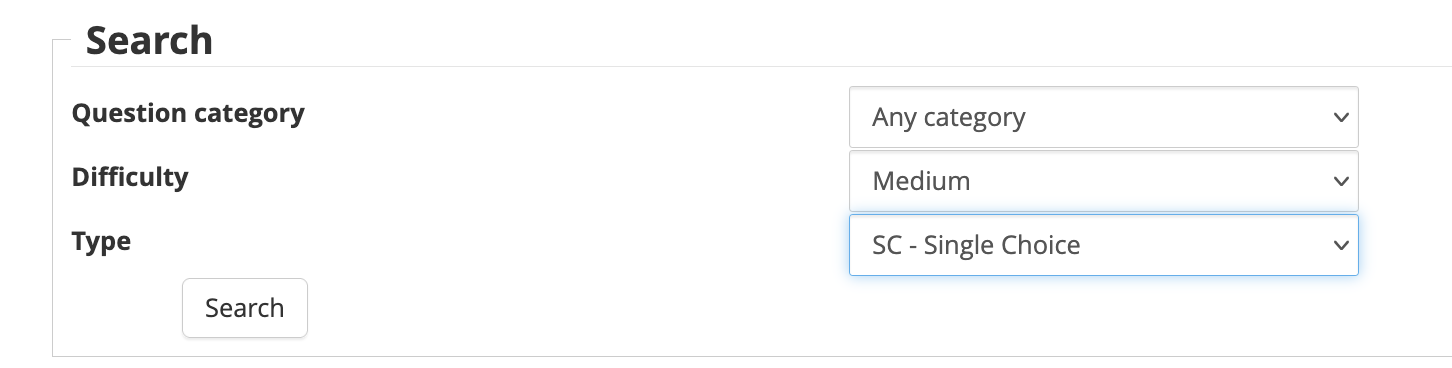
In our example, we'll choose:
- Questions of any category,
- medium difficulty
- medium difficulty, SC type – single choice
Exporting questions
At this point all we have left to do is:
- Select the questions you wish to export
- click Export,
- choose from the various options described above.
In our example, we will choose the “create a new test” option
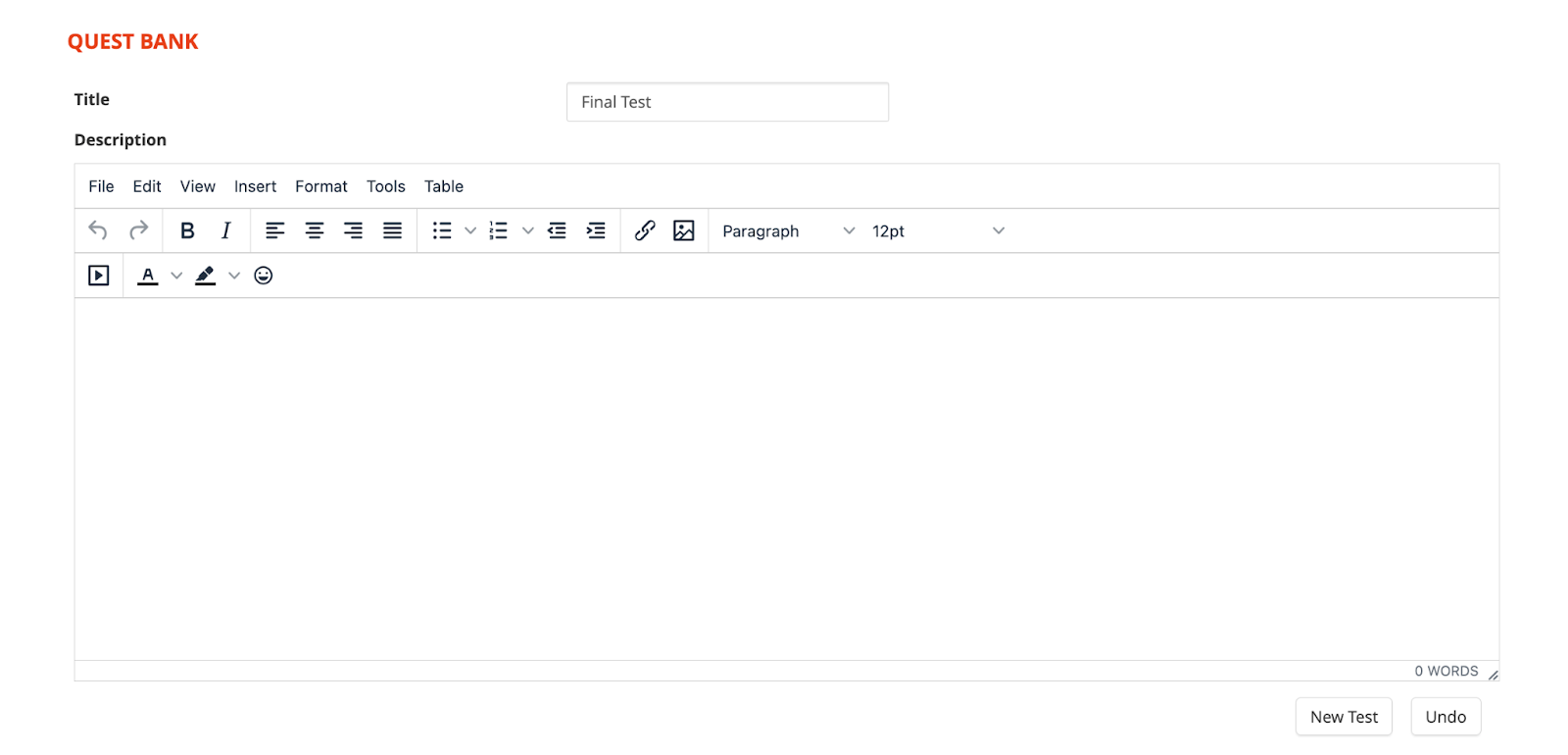
We will enter the title of the new test and click on New Test
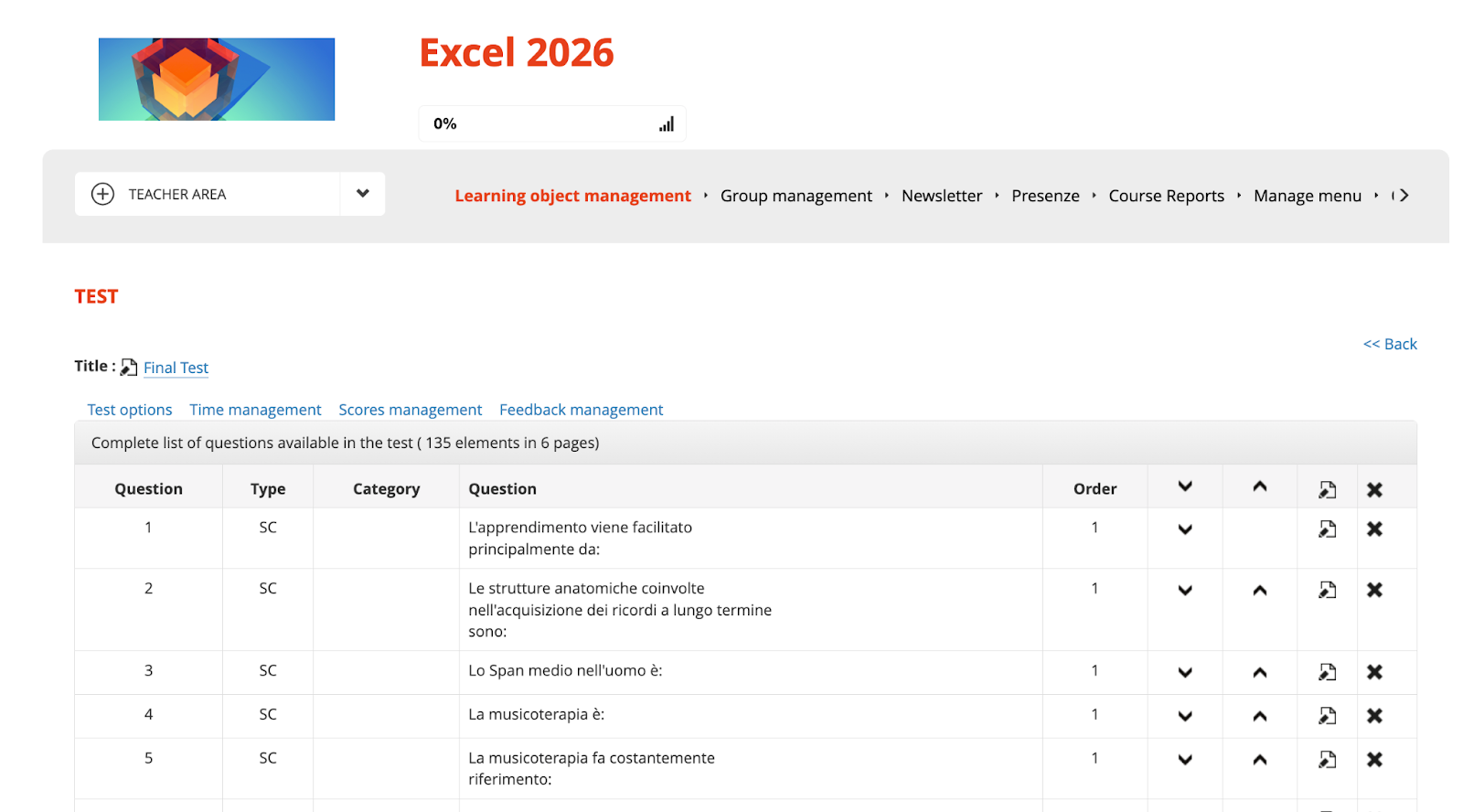
And the new test will have been correctly created with the imported questions and answers inside.
Import questions to the question bank
To insert a list of new questions/answers, you need to click on Import
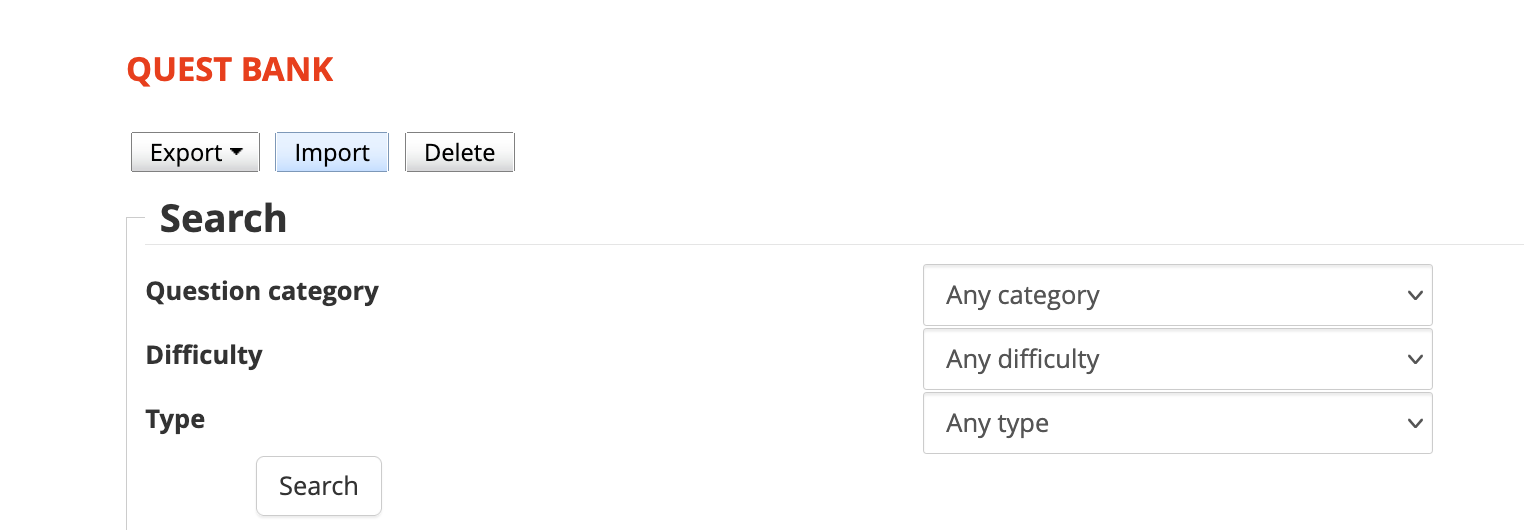
Select a GIFT file to import and click the IMPORT button
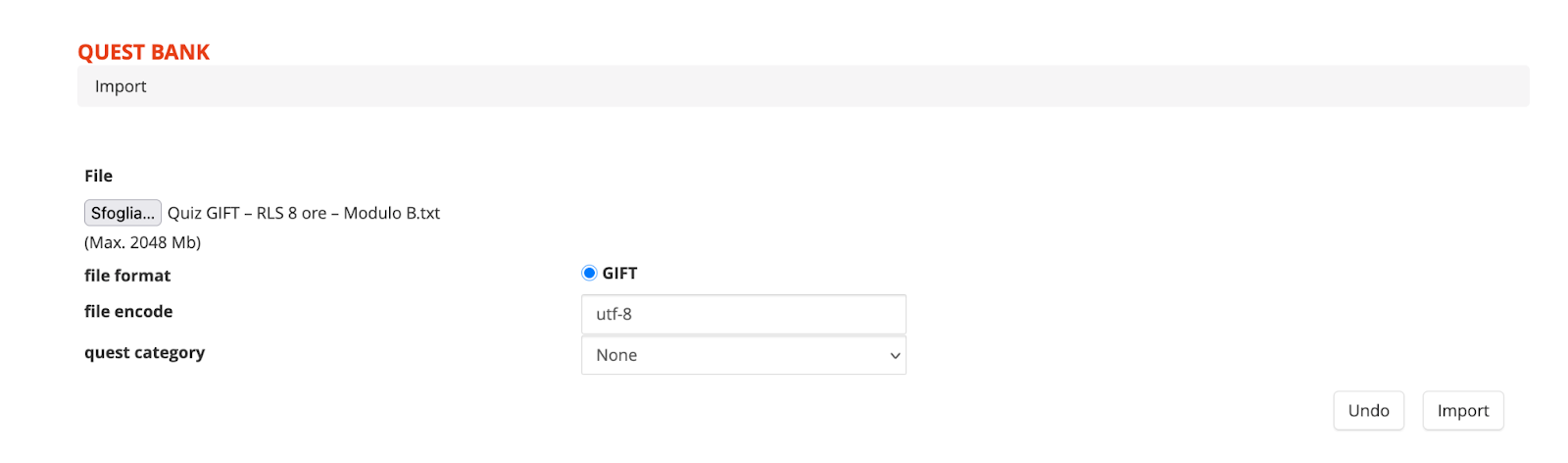
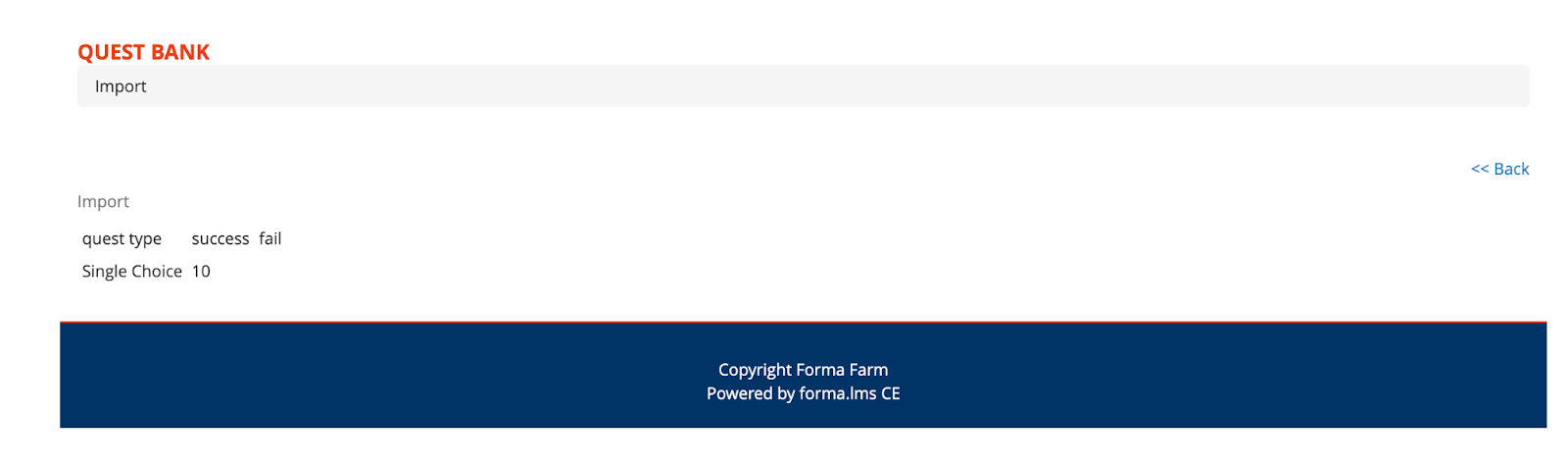
At that point we will have the feedback on the import and the questions will be imported
Saving questions from an Existing Test
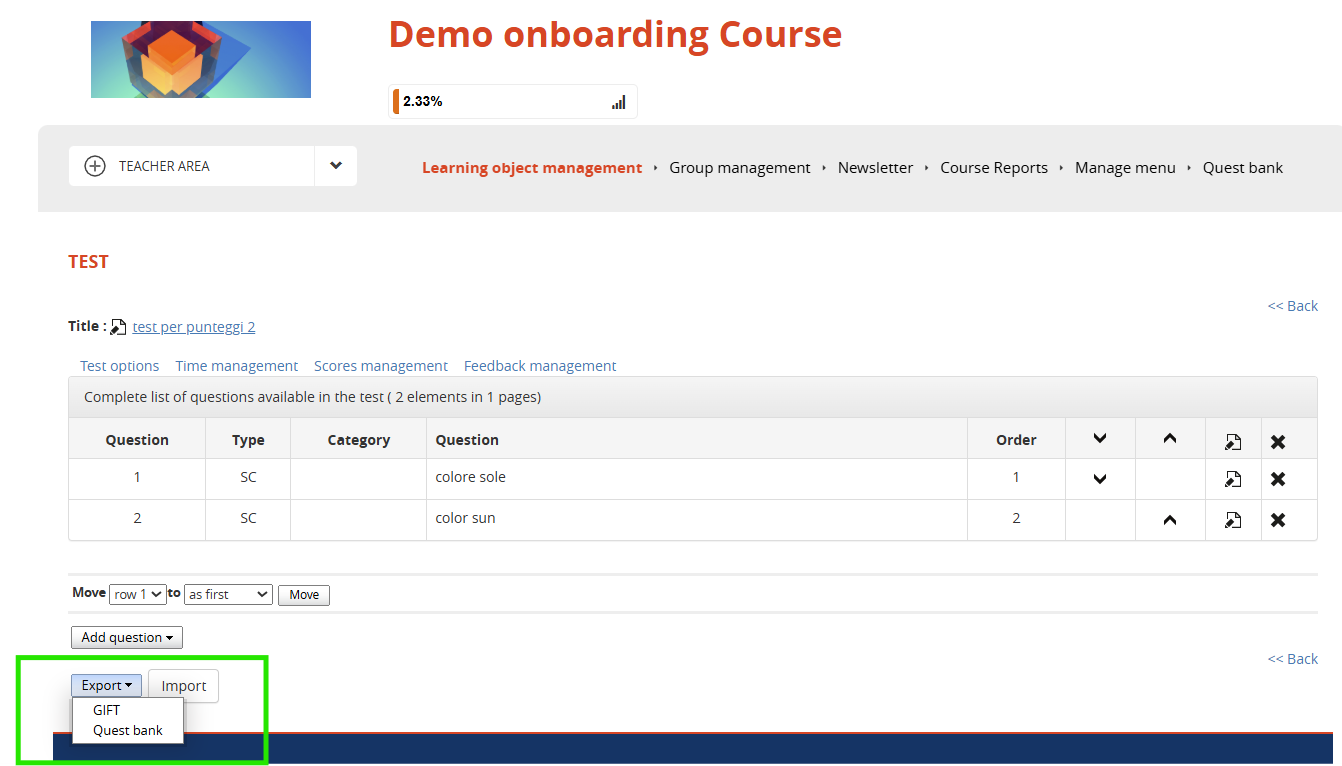
It is possible to populate the question bank adding questions directly from the edit section of a specific test: