# Web Pages
## Web Pages
In Forma you can manage HTML pages to be displayed either on the login page or in a dedicated tab inside the “mycourses” area.
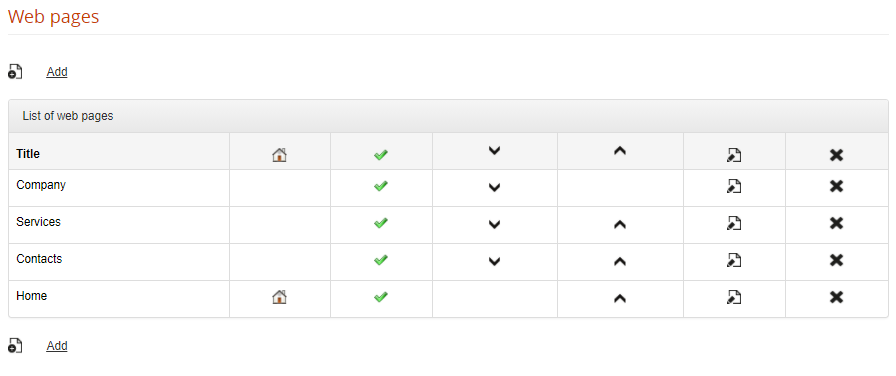
Web pages can be added and managed from:
*Admin > Contents > Web Pages*
[](https://docs2.formalms.org/uploads/images/gallery/2024-02/eeIimage.png)
Click on the “ADD” button to create a web page and set:
**Title**: this is the title of the webpage, and will be used also as link text in the login menu for external pages
**Language**: the page will be visible to users viewing the site in the selected language. If a different language is selected, the link to this page won't be displayed.
**Publish**: Choose whether this page should be visible or not
**Default page**: this page will be used as content for the MyCourses “Home” Tab, and will be hidden on the login menu
**Description**: content of the page
### External Web Pages
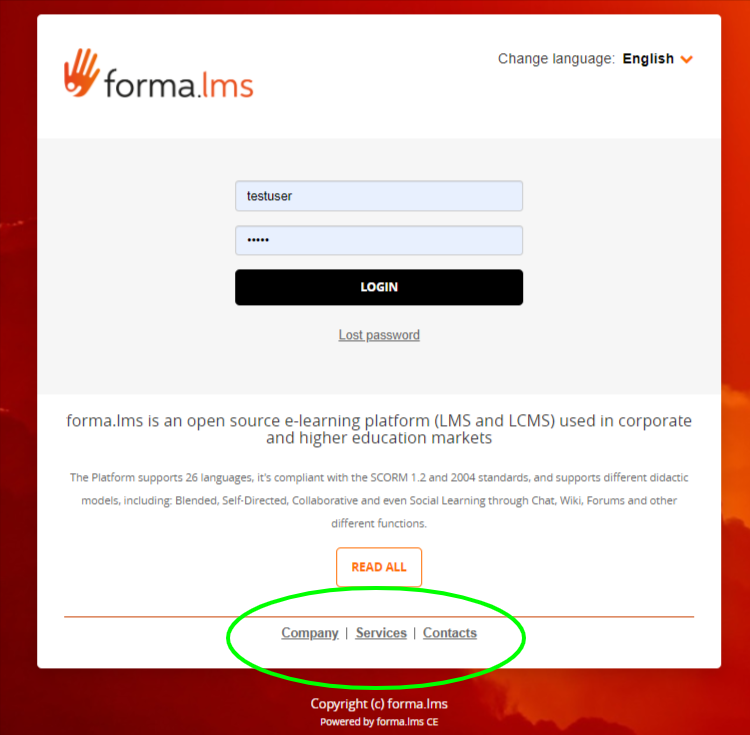
All the published web pages, unless set as default, will be automatically shown as a menu on the login page:
[](https://docs2.formalms.org/uploads/images/gallery/2024-02/3cQimage.png)
### Home Tab
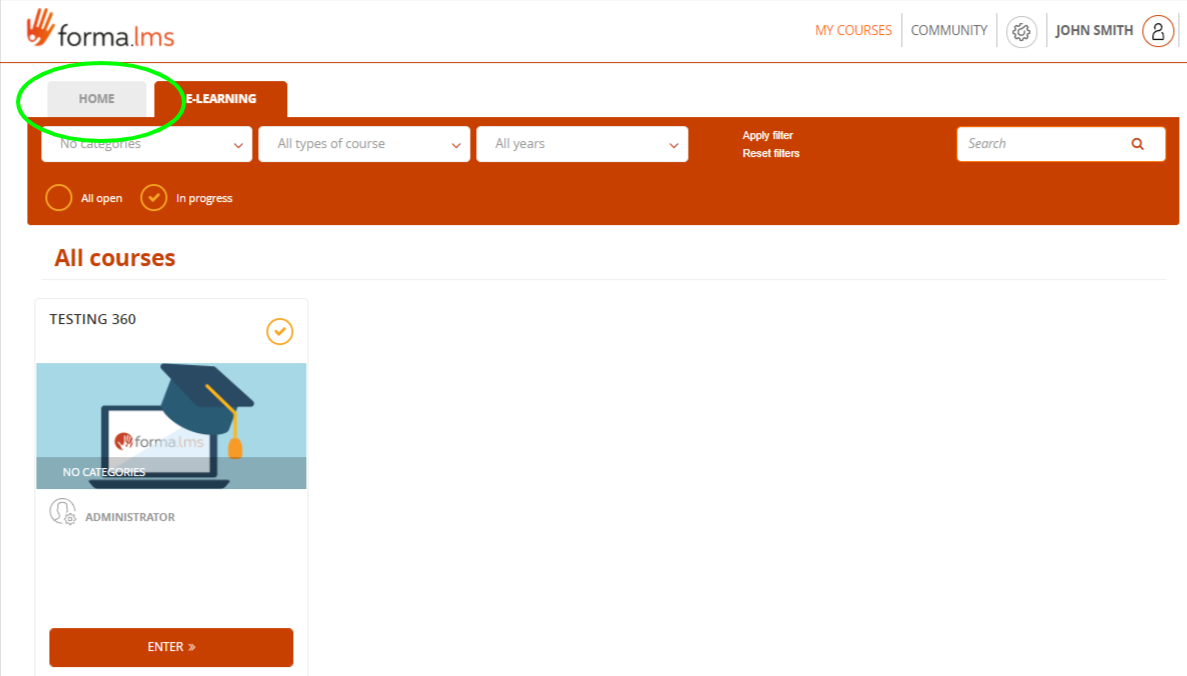
The page selected as “default” will be used as a content for the “Home” Tab in MyCourses area, provided that Tab is active:
[](https://docs2.formalms.org/uploads/images/gallery/2024-02/stoimage.png)
You can activate the home tab from the [User Area management](https://docs.formalms.org/reference-guide-2/configuration/user-area-lms.html) under:
*Admin > Settings > Elearning Configuration > User Area LMS*
The tab can be renamed from the standard [language management](https://docs.formalms.org/reference-guide-2/configuration/languages.html) area