Check the [User Area guide](https://docs.formalms.org/reference-guide-2/configuration/user-area-lms.html) for details
Messages will be then accessible as a button from the user panel ## Send and receive messages The system directly displays a list of the messages received by the user, it will be possible to send messages to one or multiple users. Please note that: - GodAdmin will be able to select any registered user - Administrators will be able to select their assigned users - Users will see only other users registered to their same courses To send a new message, click “Send”, select the recipients from the list and compose the message. [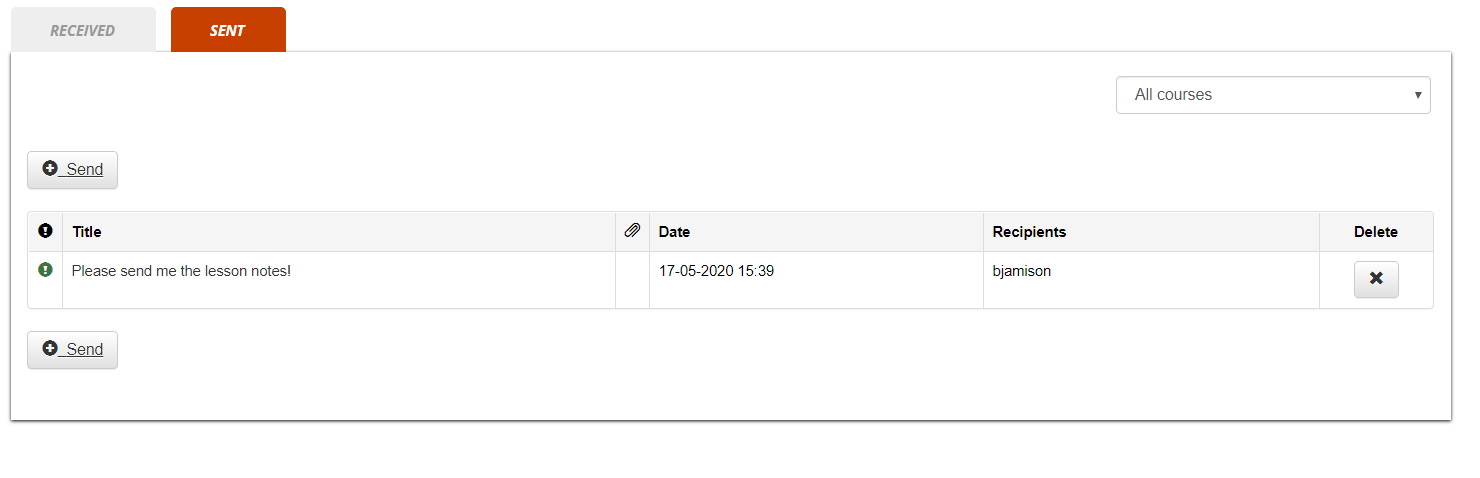](https://docs2.formalms.org/uploads/images/gallery/2024-02/dj7image.png)