# Privacy Policies
## Default Privacy Policy
By default, users will be required to accept a privacy policy statement both on login and registration.
The default privacy policy text is defined in language management:
*Admin > Settings > Language Management*
The language key to be edited is: \_REG\_PRIVACY\_POLICY
This option can be disabled from:
*Admin > System configuration > Settings > User > Register*
## Privacy Management
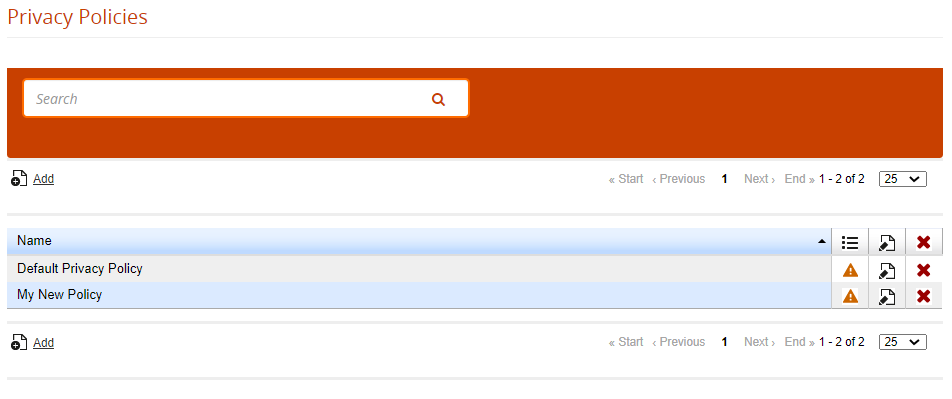
Alternatively, you can set a new Privacy Statement from the Privacy Management:
*Admin > Setting > System configuration > Privacy Policy*
[](https://docs2.formalms.org/uploads/images/gallery/2024-01/Viximage.png)
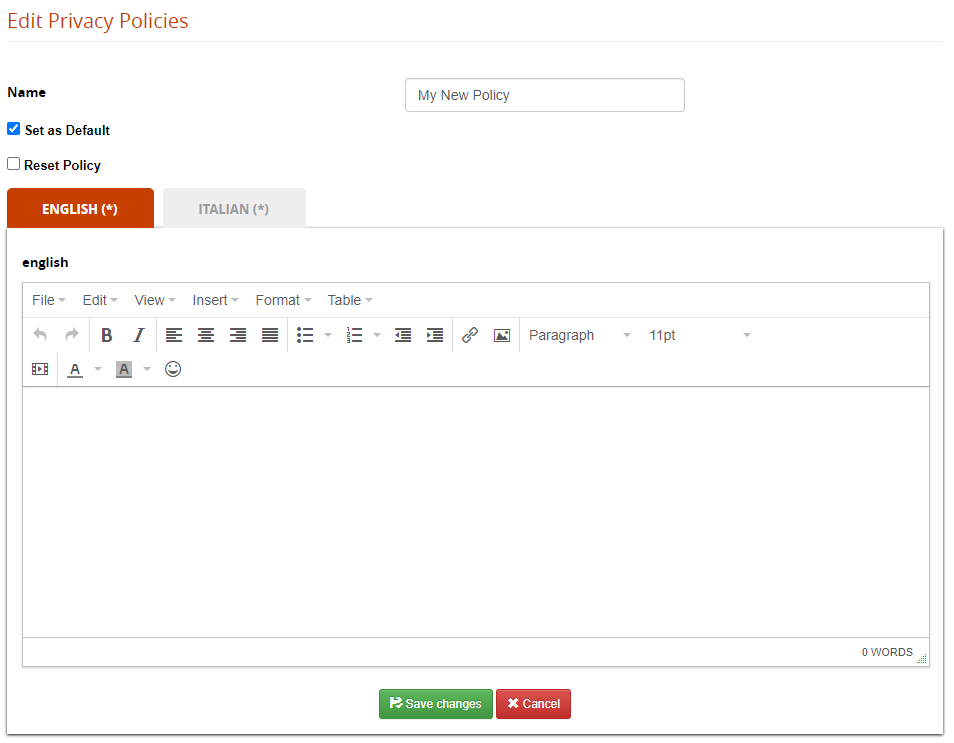
Edit the default page and flag it as default:
[](https://docs2.formalms.org/uploads/images/gallery/2024-01/OEDimage.png)
### Multiple Policies
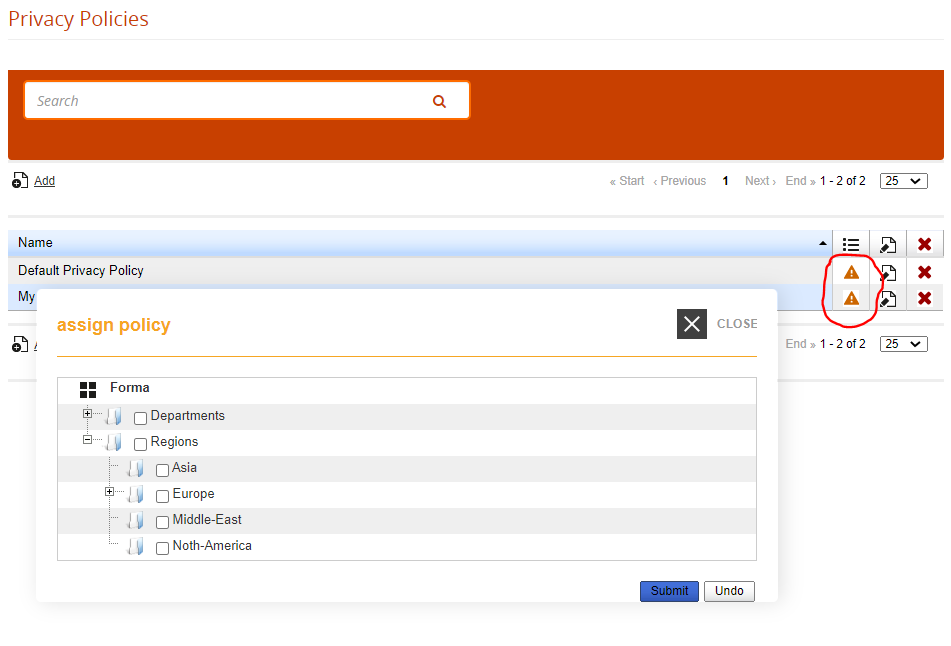
It is possible to manage different Privacy statements and assign it to one or more orgchart nodes:
[](https://docs2.formalms.org/uploads/images/gallery/2024-01/Scoimage.png)