**NOTE** if you need to send email only to a specific course users, check the Newsletter and Anouncement features in course management
## Compose the email [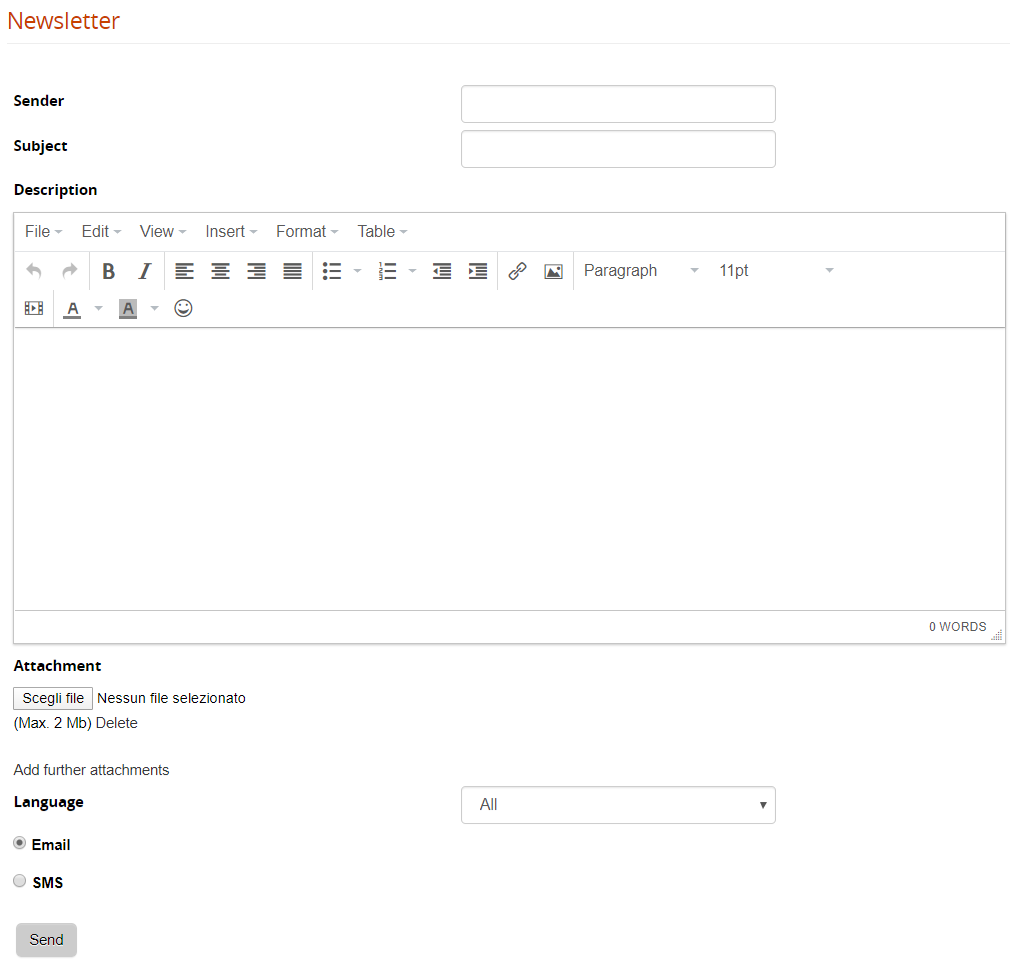](https://docs2.formalms.org/uploads/images/gallery/2024-02/c1cimage.png) **Sender**: this field will be used as “reply-to” field. To avoid anti-spam and server security systems, the platform will send the emails with the default [email and smtp setting](https://docs.formalms.org/reference-guide-2/configuration/system-configuration.html). **Attachment**: One or more attachments may be included in the newsletter. **Email/SMS**: The communication can be sent by both e-mail and SMS. For SMS, an SMS service provider must be configured through the plugin system. **Language**: choose which users should receive the email based on their profile language Once you click the “SEND” button, you will be prompted to choose which users to send the communication. ## Select the recipients The system will open the user selection page, letting you select either: - Multiple single users - Massive select all users from some org-chart nodes - Massive select all users in a group - Massive select all users by company role Click “Save Changes” to proceed to the last step ## Send the email As a last step, the system will present the number of selected users, click “SEND” button to push your communication out. [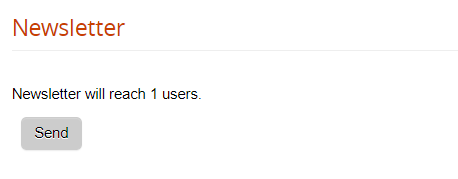](https://docs2.formalms.org/uploads/images/gallery/2024-02/k0nimage.png)To avoid server anti-spam filters, the system will automatically split the massive mailing in multiple blocks of recipients, with a pause in seconds between each block. You can configure values for blocks and pauses in [advanced configuration settings](https://docs.formalms.org/reference-guide-2/configuration/system-configuration.html)